I’ve always admired the fluid, imperfect beauty of watercolor. But despite many attempts to learn, traditional “fine art” skills never came naturally to me. That said, creativity has always been an essential part of who I am, and I embrace it wholeheartedly. This quote from an unknown author captures it perfectly: “I create because it’s a part of me—like breathing, I just have to.”
I used to tell my students, “Just because you can’t draw a tree doesn’t mean you’re not an artist.” And I truly believe that—because I’m living proof.
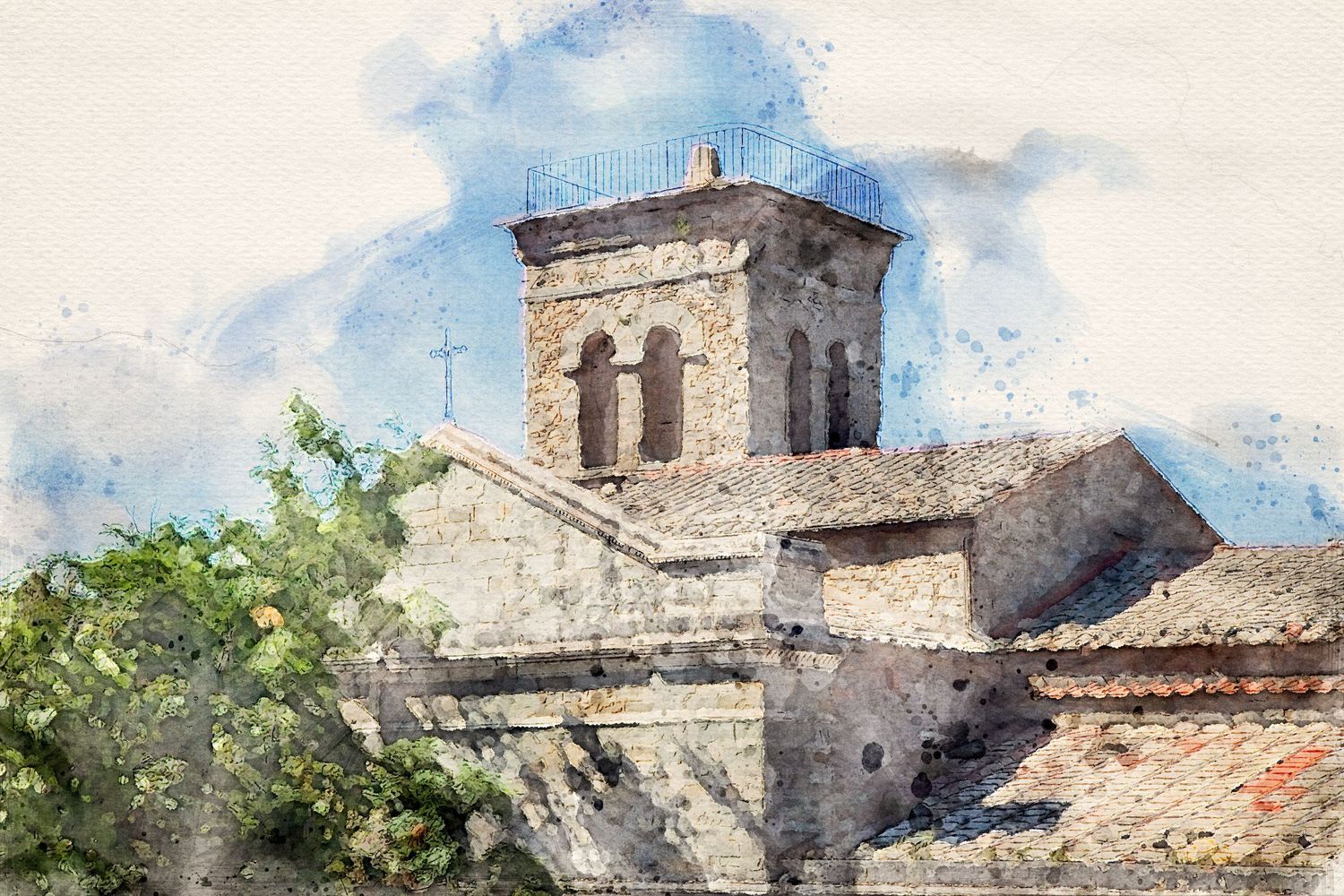
There’s nothing I love more than getting completely absorbed in a creative project. That’s exactly what happened when I started exploring how to transform my photographs into watercolor paintings using Photoshop. The thrill of discovery is what fuels me—whether it’s finding that a newly captured image is even more stunning than I imagined, unveiling the intricate beauty of macro photography, or watching one of my photos take on the soft, dreamlike quality of watercolor. Creativity has a way of pulling you in, and I find that completely addictive!
If you’re interested in turning your own photos into watercolors, there are plenty of great resources online. I recommend searching YouTube to find a tutorial that suits your style. Personally, I had great results with the Photoshop Watercolor Action, which is available as a free download and comes with an excellent step-by-step tutorial. It’s fairly easy to use but does require some experimentation and patience to figure out the nuances.
Link: Photoshop Watercolor Action
If you give it a try, I’d love to hear how it goes—and even better, see your results!